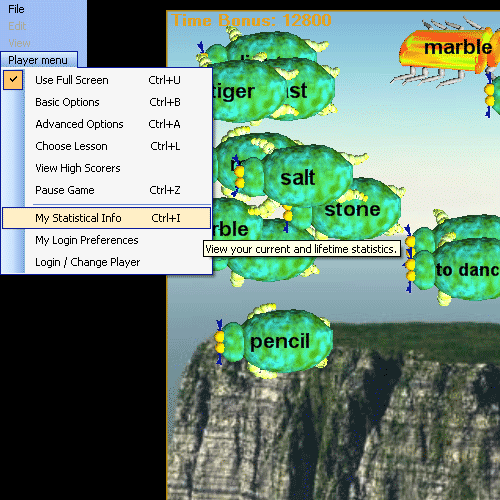
Clicking on the menu item brings up the 'my Statistics' visual display presentation for the current player.
The Player Menu 'My Statistical Info' menu item calls up a visual presentation of the current players lifetime and current play statistics.
Player Menu | My Statistical Info:
Clicking on the menu item brings up the 'my Statistics' visual display presentation for the current player.
The first page shown is the first page in the 'Current Stats' category:
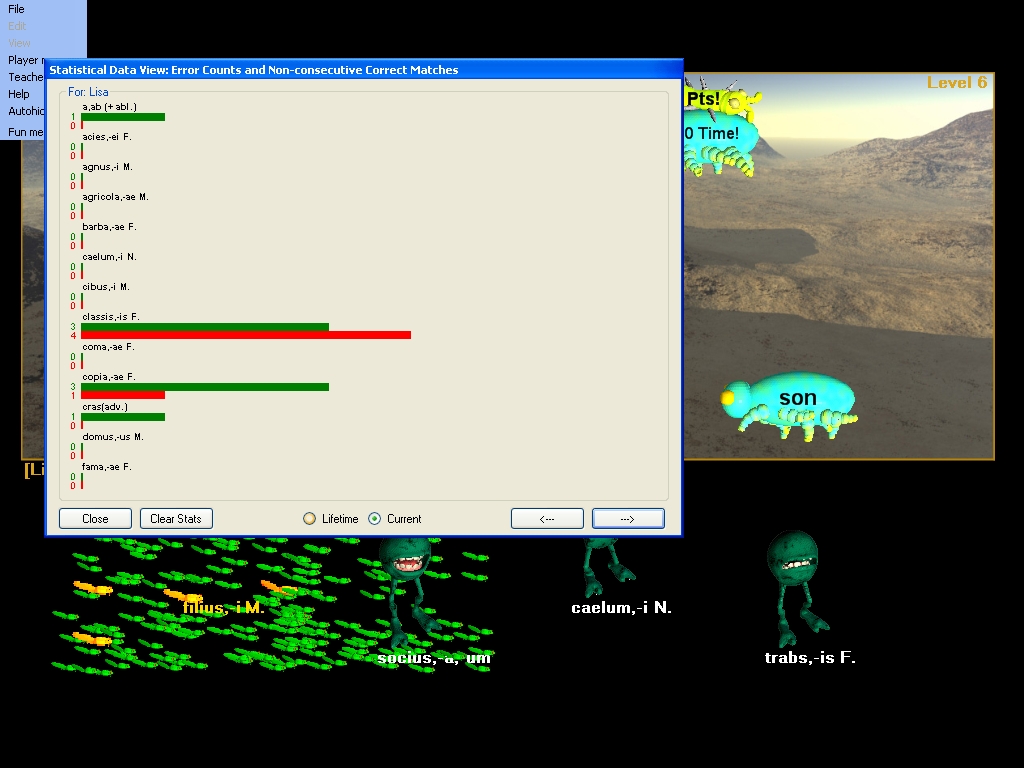
Controls are:
'Close' button - close the window an dreturn to game play
'Clear Stats' button - clear the currently display statistics (Lifetime or Current)
'Lifetime' radio button - show Lifetime statistics
'Current' radio button - show Current statistics
'<--' button - view previous page of statistics
'-->' button - view next page of statistics
The 'Clear Stats' button clears the currently displayed stats only. There are two types of statistics you can view. The first set which appears then the statistics viewer first opens is the 'Current' statistics selection. These are the stats for the current lesson you are playing in the game in progress. It displays both words you have seen and words that are in the lesson but which you have not yet encountered. When the 'Current' radio button is selected these are the stats displayed, and these are the stats cleared if you click the 'Clear Stats' button.
If you click the 'Lifetime' radio button, your lifetime statistics are displayed:
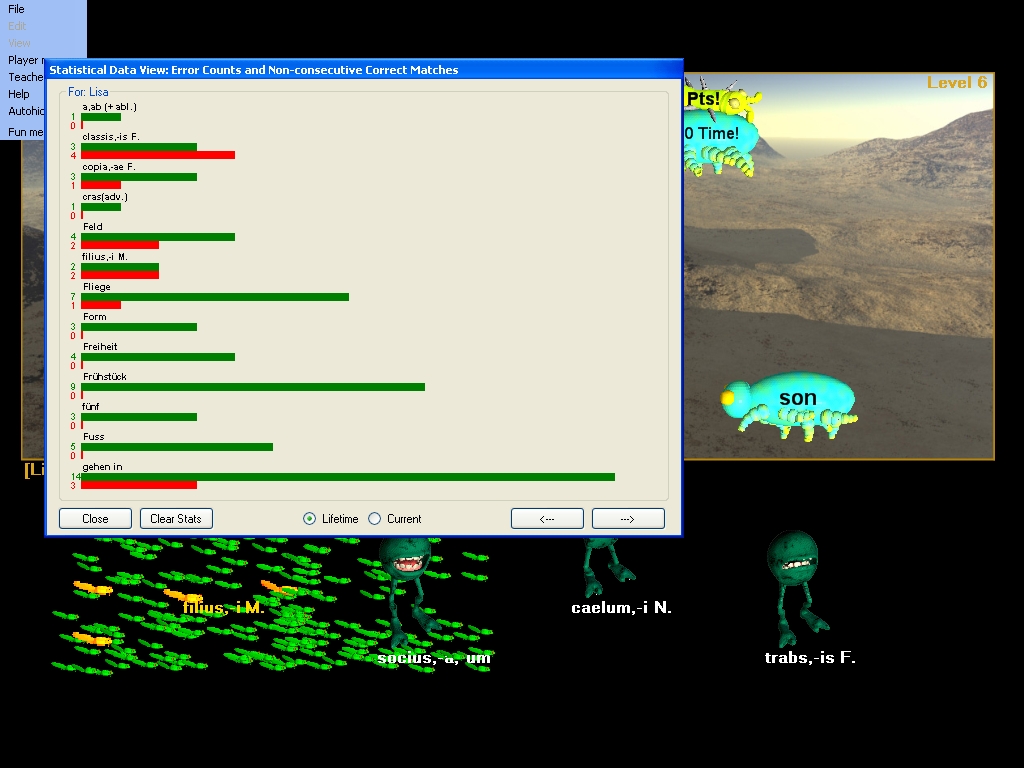
Your 'Lifetime' statistics show only the vocabulary you have encountered, but it includes ALL vocabulary you have encountered in EVERY game you have played since you last performed a 'Clear Stats' on your Lifetime statistics. To clear your lifetime statistics, click the 'Clear Stats' button while you are viewing the liftime statistics ('Lifetime' stats radio button selected).
Hungryfrog Education Software
|
Hungryfrog User Community Participate in the Hungry Frog Education Software User Community to share your lessons and ideas with others and to report program bugs and suggest improvements to the PC computer software and the free Java applets at the web site. |
In the screen captures shown both Hungry Frog Spanish Games and Hungry Frog Spanish Games have been played by the player, so there is both Spanish vocabulary and Spanish vocabulary in the Liftime listings, but in the Current listings only Spanish is displayed because the current game played is the Hungry Frog Spanish Game.
Clicking on the right arrow '-->' displays deeper into the statistics list:
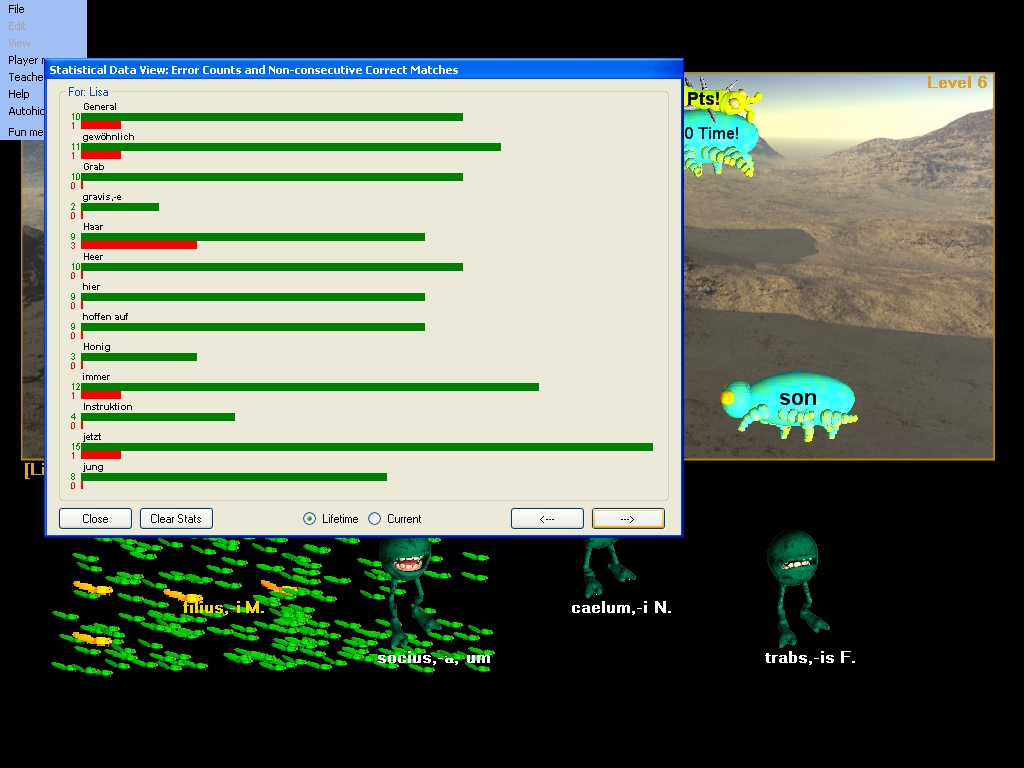
More Spanish vocabulary and Spanish vocabulary mixed in the lifetime stats view:
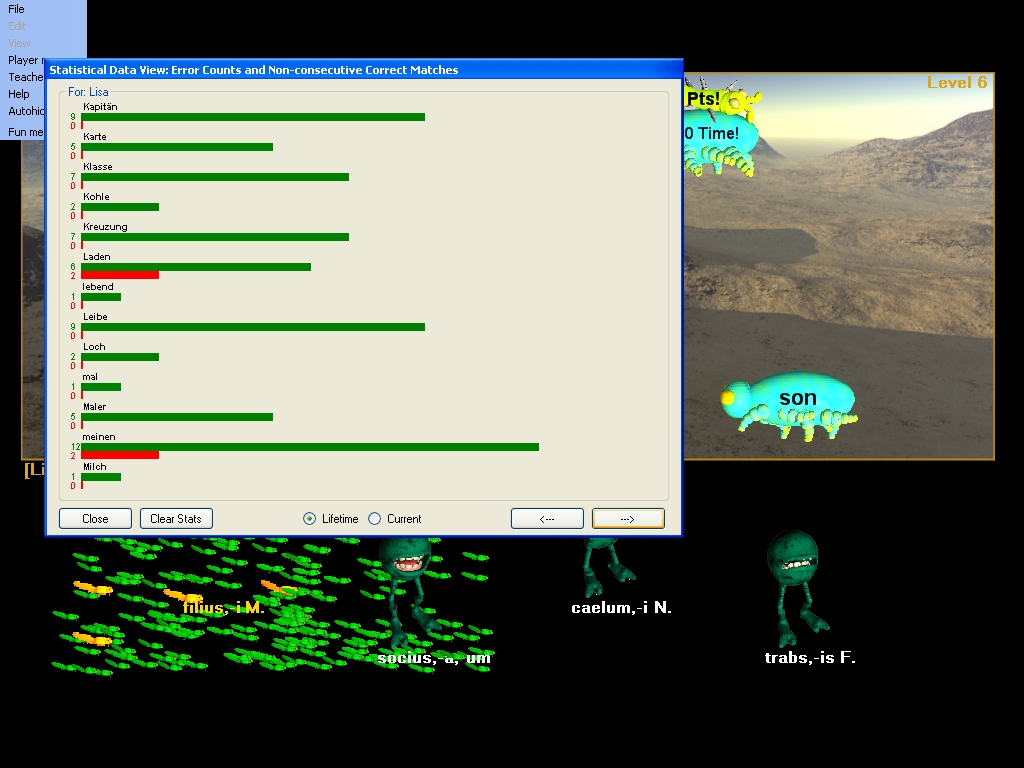
You can move through as many pages of statistical information as are available based upon the current lesson you are learning and your lifetime history which includes all the language vocabulary you have been learning since you last cleared your lifetime stats.