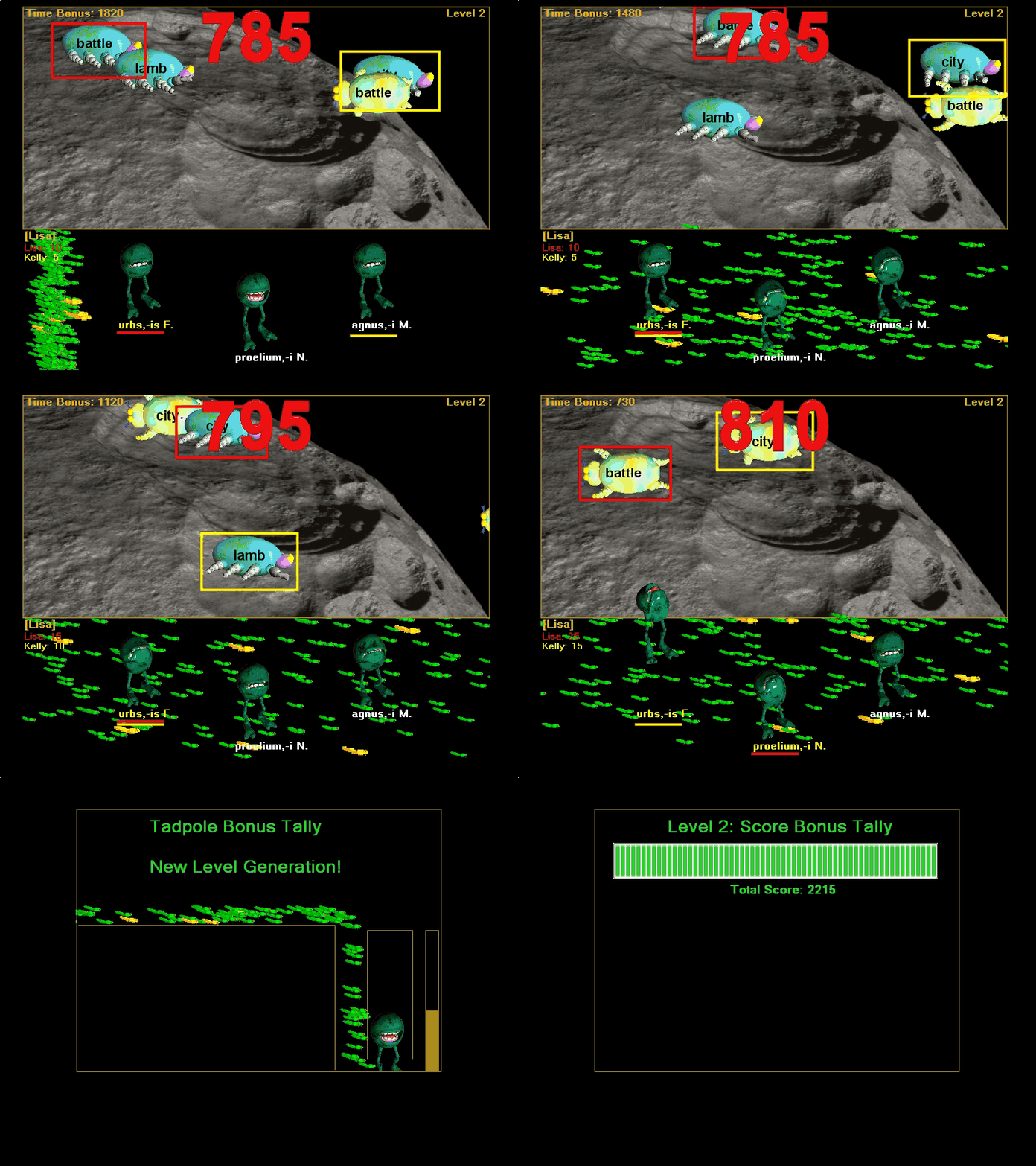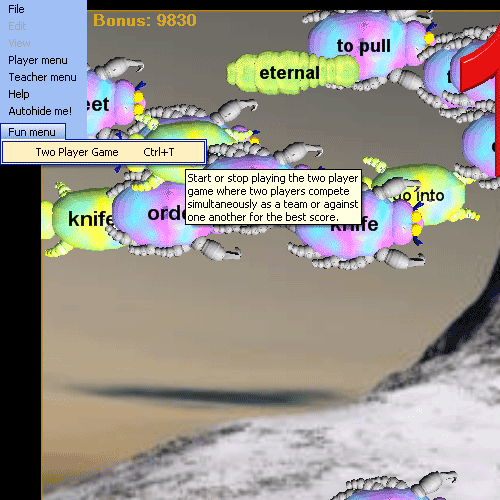
Selecting the 'Two Player Game' menu item brings up the Two Player Game dialog.
The program 'Fun Menu' ot Two Player Game menu is where you switch the game from single player mode to two player mode and visa versa. When you play in Two Player mode, the person who is logged in is the person whose game is played (score accumulates for that person), but their lifetime and current game statistics are not changed based on the two player game results. When you wish to end the Two Player game mode, call up the dialog again and choose to 'Return to Single Player' - which returns the game to the control of the currently logged in player.
Selecting the 'Two Player Game' menu item brings up the Two Player Game dialog.
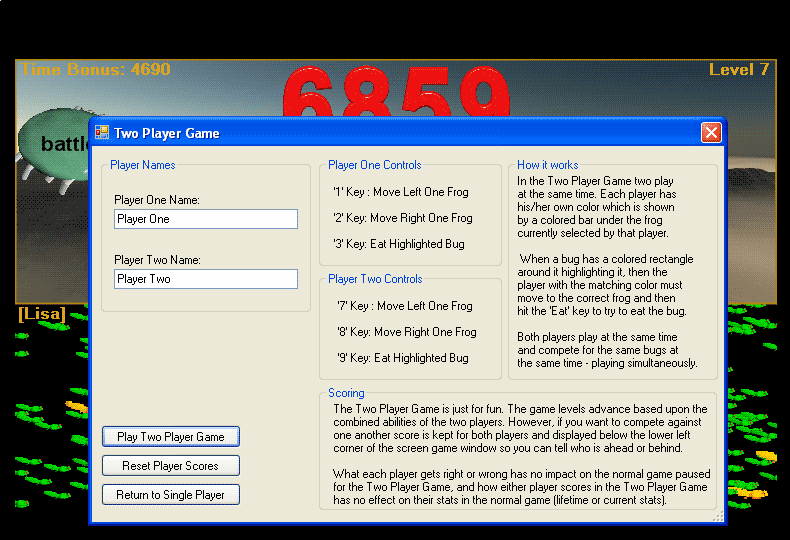
'Play Two Player Game' starts the two player game going.
'Reset Player Scores' resets the scores of the two playes, but it does not change the overall game score.
'Return to Single Player' returns to the game to the normal single player mode and the currently logged in player game continues.
Frog Selection: As described in the screen capture, in the two player game two players play simultaneously using the keyboard. Player One uses the '1', '2', and '3' keys to control his or her 'frog cursor' which is the colored bar under the frog. Player Two uses the '7', '8', and '9' keys to control his frog cursor. Both players can be on the same frog at the same time, and both players can simultaneously eat with the same frog or different frogs. Only ONE frog can eat any bug at any time however, so when a bug is selected for both players only one player will be able to eat it.
Bug Selection: The computer randomly places the Player One and Player Two bug cursors on bugs. As fast as the players can eat bugs, their cursors are moved to random new bugs. Both player bug cursors can be on the same bug at the same time, but only one player can eat any given bug at one time. The computer completely controls bug selection by moving the players' bug selection cursors. Players only control frog selection and when to attempt to eat.
Team Play and Head to Head Play: Their separate scores are tracked at the bottom left of the display area, so if they want to compete against one another they can compare their scores. However, their combined scores are what increase the overall game score total, so the two player game is also a way for two players to play together as a team.
Solo Play in Two Player mode: Sometimes it is fun for even a solo player to switch to Two Player mode and play alone. It gives the game a different feel to control the action with the keyboard only and let the computer select the bugs randomly. It can be more challenging, because they only way to remove the bug selection cursor from a bug is for a frog to eat the bug, so there is no way to avoid 'unknown' bugs by process of elimination.
The two player game is meant to be more for fun, so right and wrong counts are not tabulated in statistics for either player as they are for normal game play.
Bonus Bugs are still valid for either player and Tongue Bonus applies to whatever frog ate the Tongue Bonus bug. It does not matter which player controlled the frog at the time, and that frog's Tongue Bonus remains unless a player makes an incorrect attempt from that frog (when the Tongue Bonus is reset) or from any other frog (when all frogs have their Tongue Bonus amounts reduced). As in the solo game, it helps bring your score up quickly if you can keep from making incorrect attempts when you have a big Tongue Bonus.
Hungryfrog Education Software
|
Hungryfrog User Community Participate in the Hungry Frog Education Software User Community to share your lessons and ideas with others and to report program bugs and suggest improvements to the PC computer software and the free Java applets at the web site. |

Two Player Games in action [Movie may be slow to load completely]:
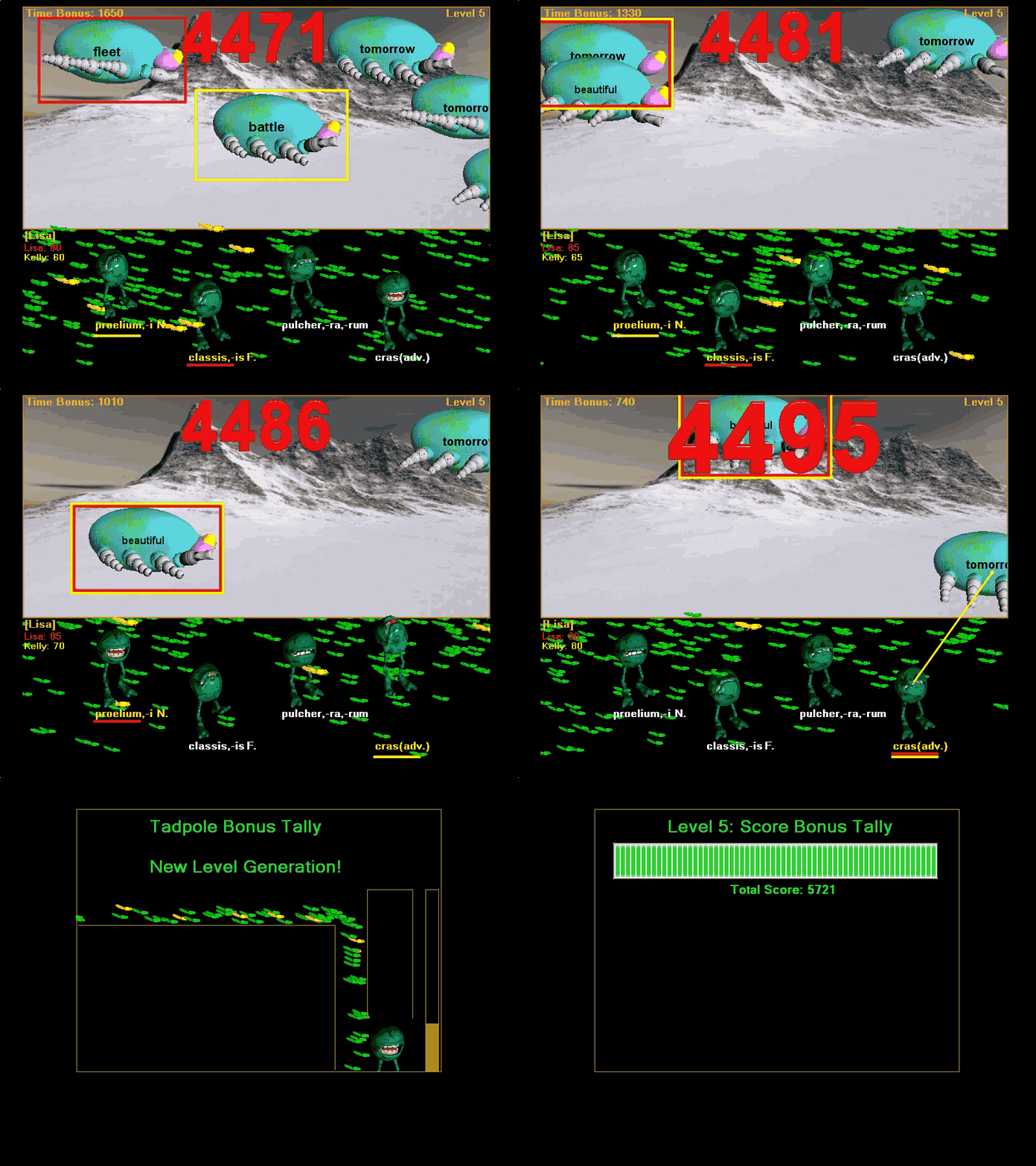
Two Player Games in action [Movie may be slow to load completely]: